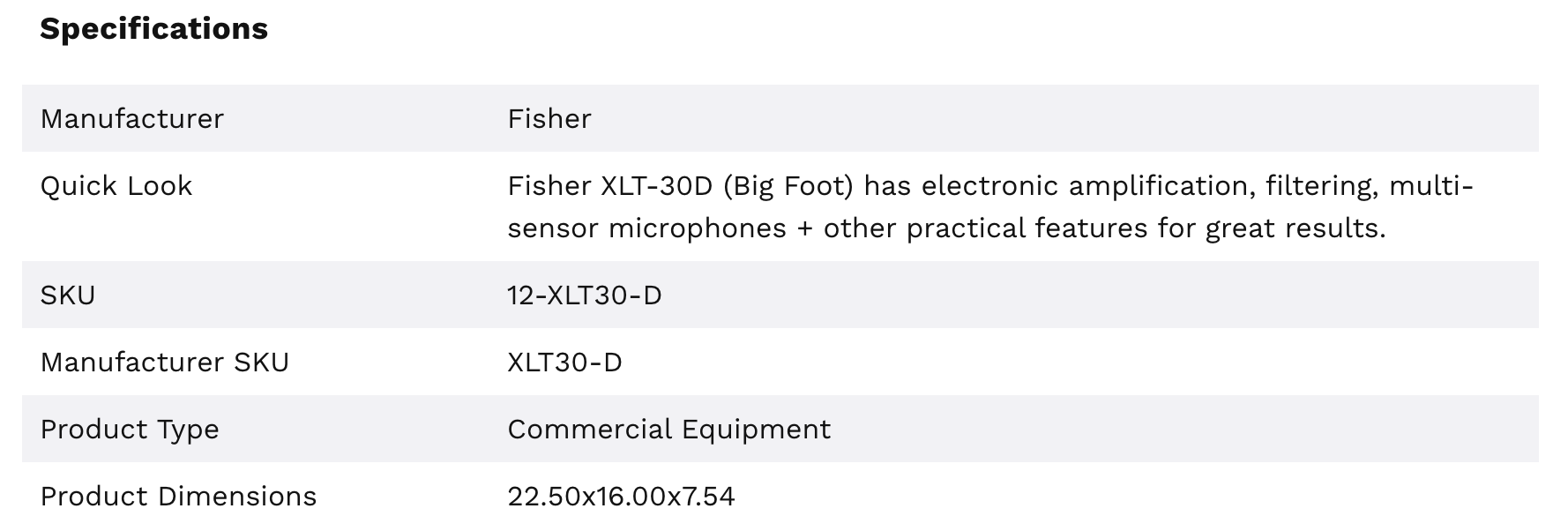
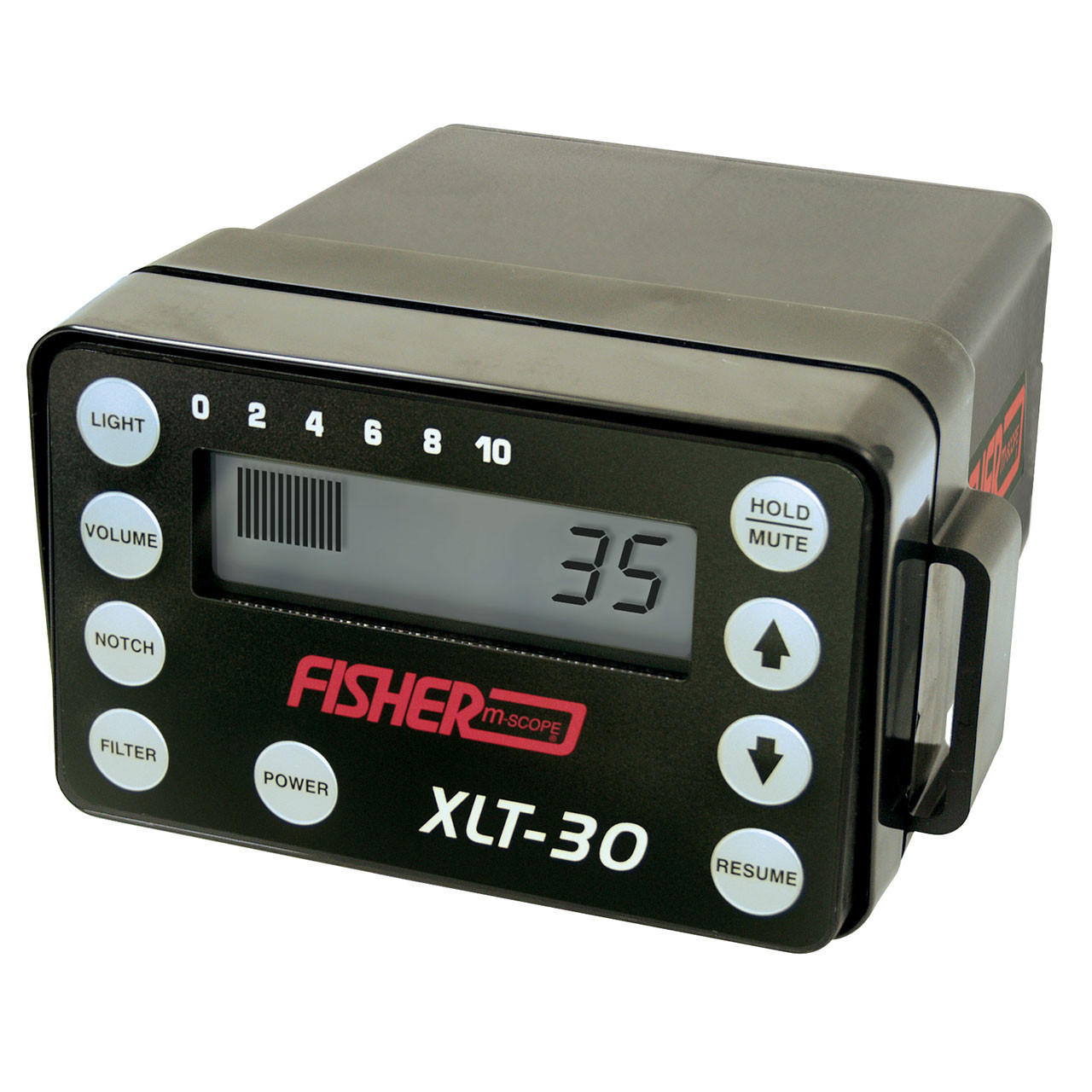
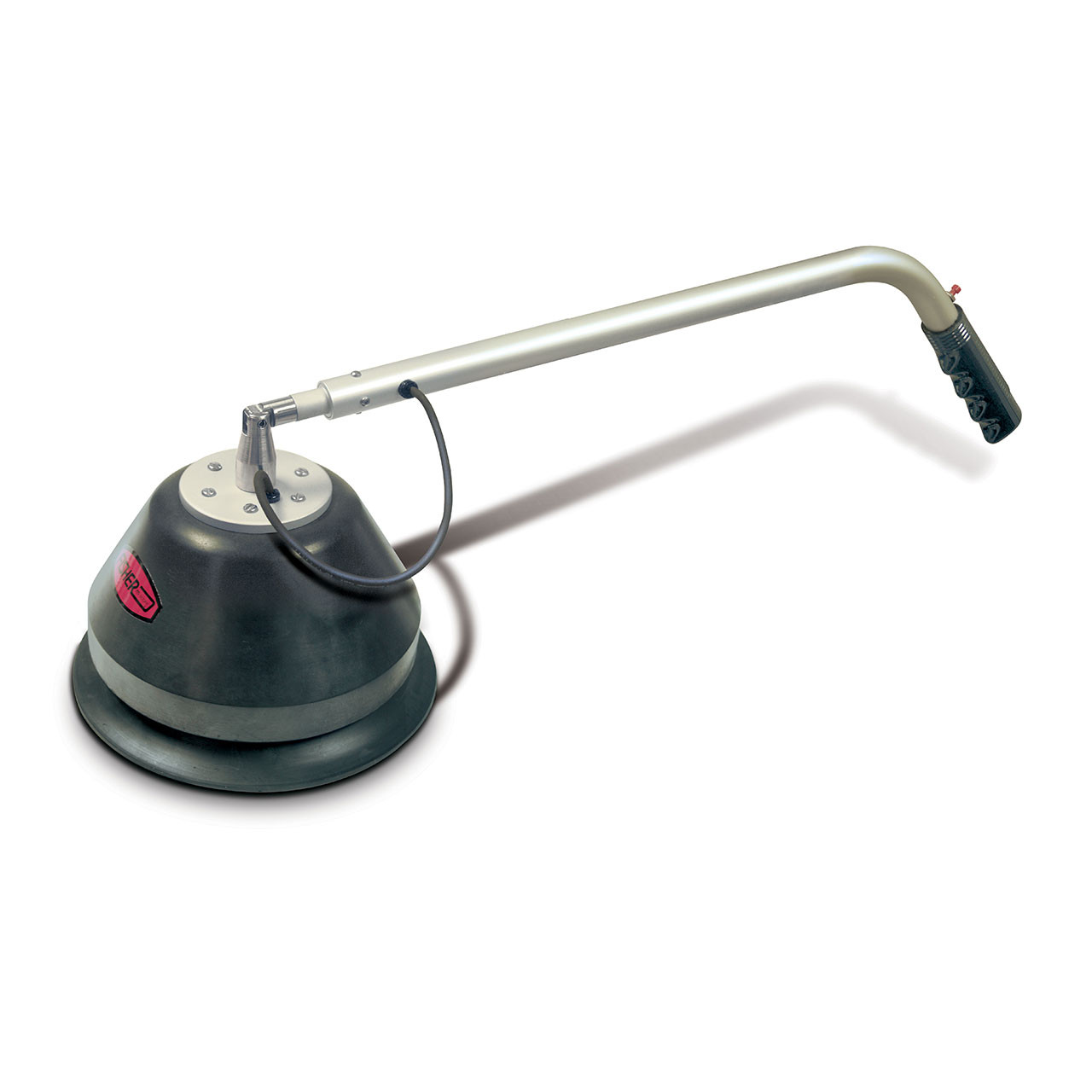
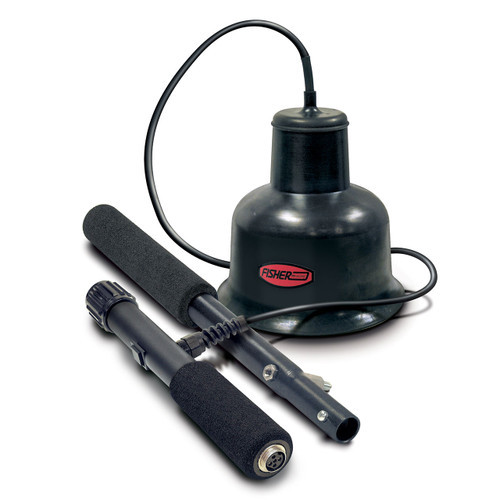
Features & Specifications
-
Operating Frequency Range:
-
60 Hz – 6 kHz (Gain: 95 dB)
-
20 Hz – 60 Hz (Gain: > 90 dB)
-
-
Warranty: 2-Year Limited Warranty
-
Total Weight: 19.5 lbs (8.8 kg)
-
Audio Output: High-performance headphones (64 ohms)
-
Visual Display: LCD bar graph with 2-digit numeric readout
-
Filtering System: Four selectable frequency filters with independent notch control
-
All Pass: 60 Hz – 6 kHz
-
Low Pass: Adjustable cutoff from 150 Hz to 2.4 kHz
-
Band Pass: Adjustable center frequency from 150 Hz to 2.4 kHz
-
High Pass: Adjustable passband from 150 Hz to 2.4 kHz
-
Notch Filter: Adjustable frequency rejection from 150 Hz to 2.4 kHz
-
Technical Specifications
-
Warranty: 2-Year Limited
-
Operating Frequency:
-
60 Hz – 6 kHz (Gain: 95 dB)
-
20 Hz – 60 Hz (Gain: > 90 dB)
-
-
Filter Types: Independent Notch, Low Pass, High Pass, and Band Pass
-
All Pass: 60 Hz – 6 kHz
-
Low Pass: Adjustable cutoff from 150 Hz to 2.4 kHz
-
Band Pass: Adjustable center frequency from 150 Hz to 2.4 kHz
-
High Pass: Adjustable passband from 150 Hz to 2.4 kHz
-
Notch Filter: Adjustable frequency rejection from 150 Hz to 2.4 kHz
-
-
Output Indications:
-
Audio: High-performance headphones (64 ohms)
-
Visual: LCD bar graph with 2-digit numeric display
-
-
General:
-
Automatic battery test
-
Weight: 19.5 lbs (8.8 kg)
-
Battery Type: Two 9V alkaline batteries
-
Protection Rating: Splash-proof
-
Battery Life: Approx. 50 hours
-
Case Dimensions: 8.25” × 8.5” × 32.5”
-
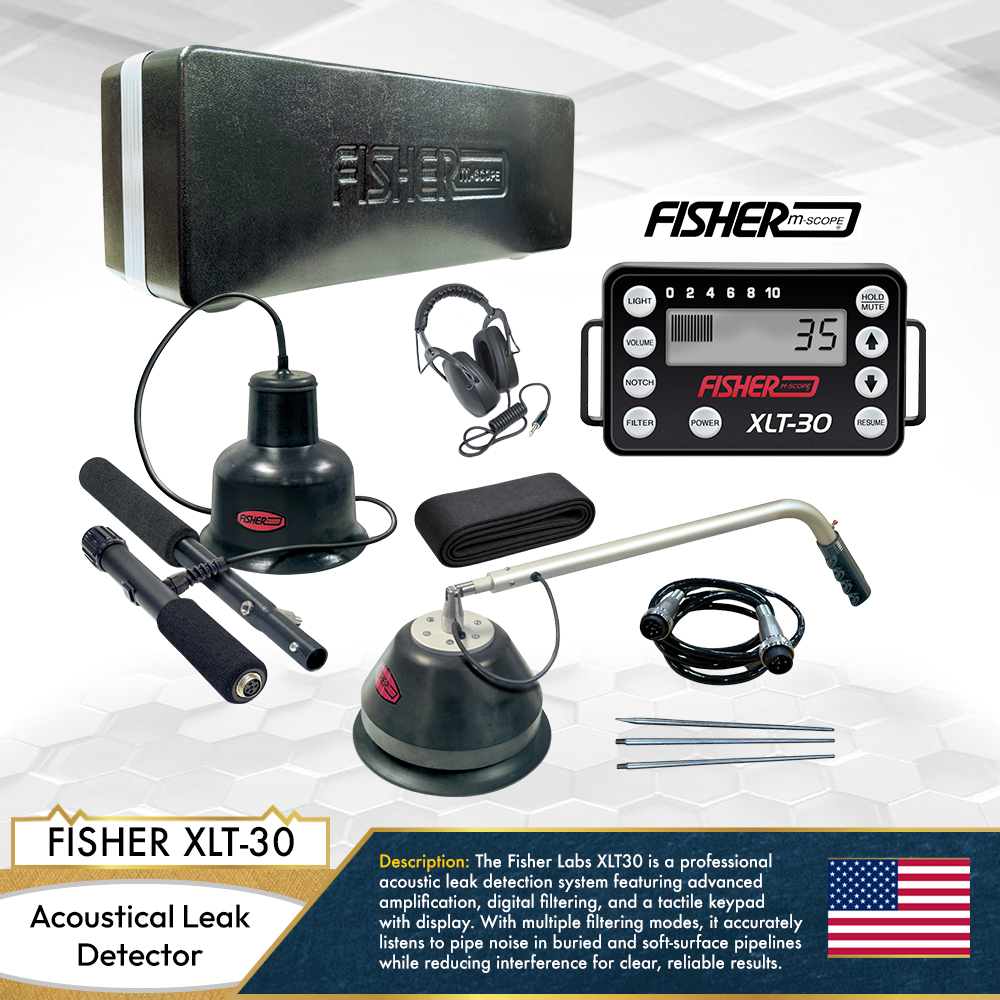
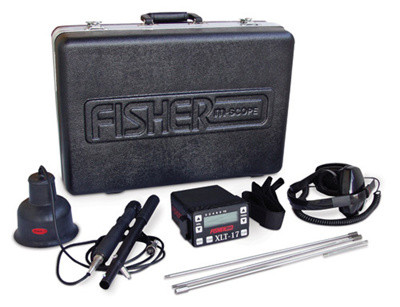
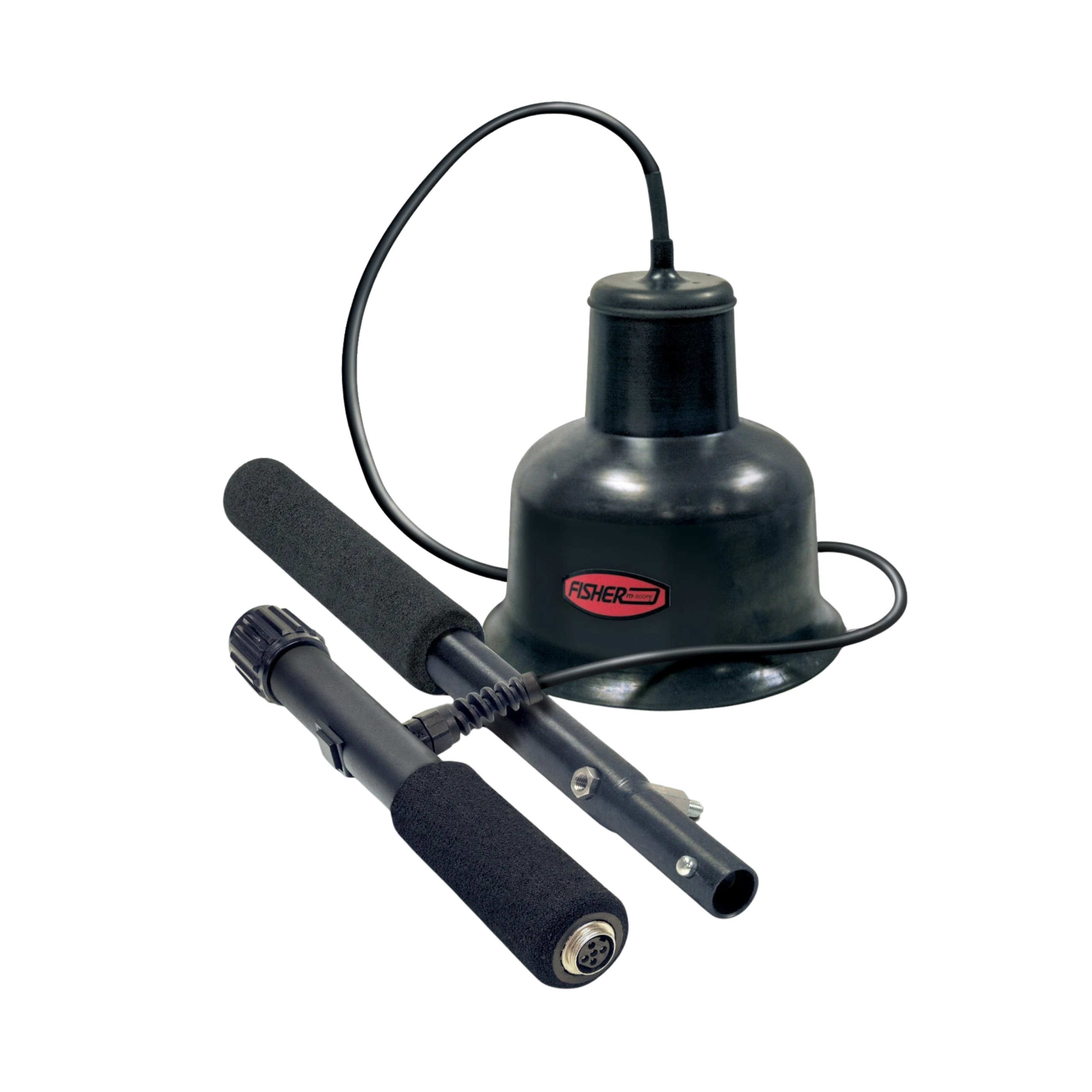
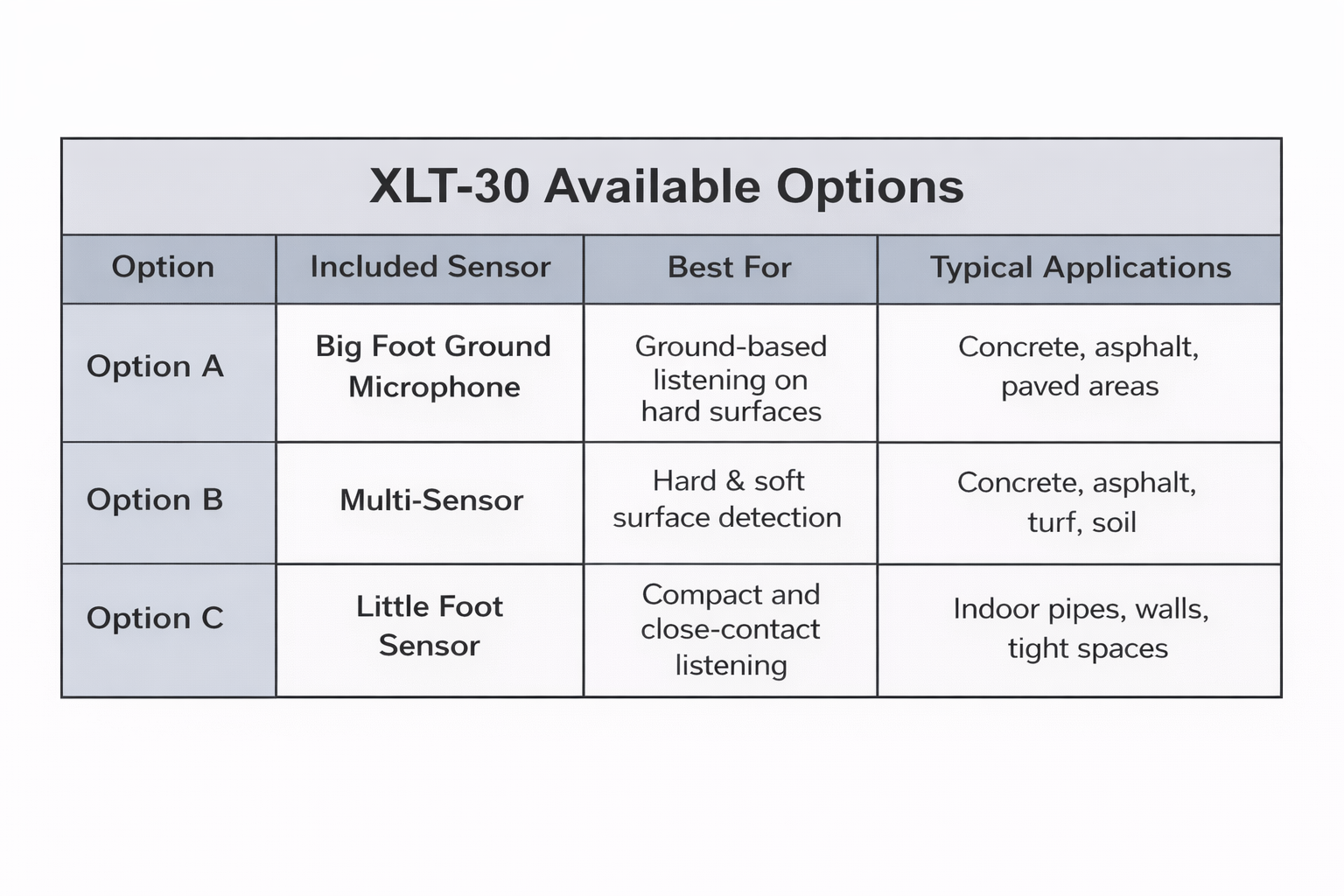
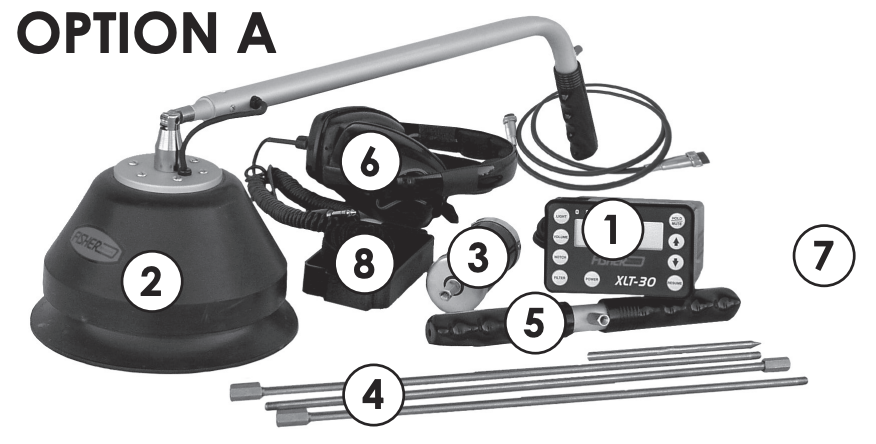
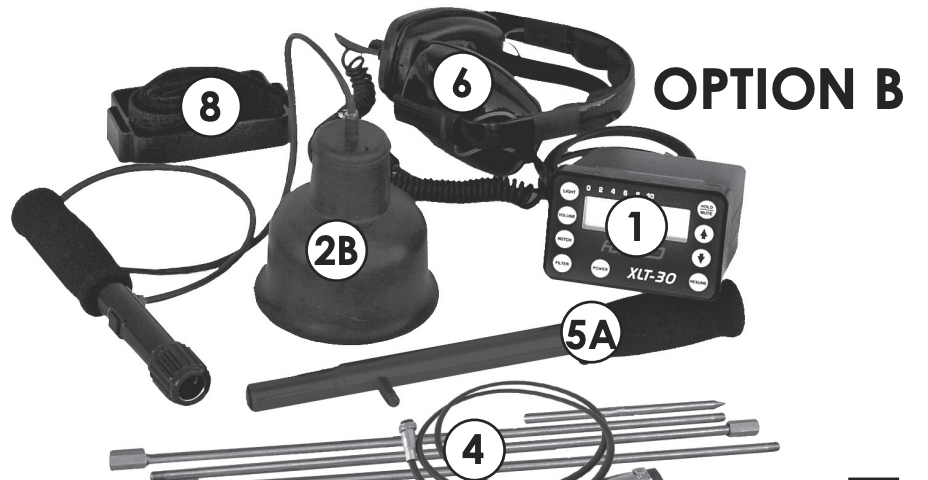
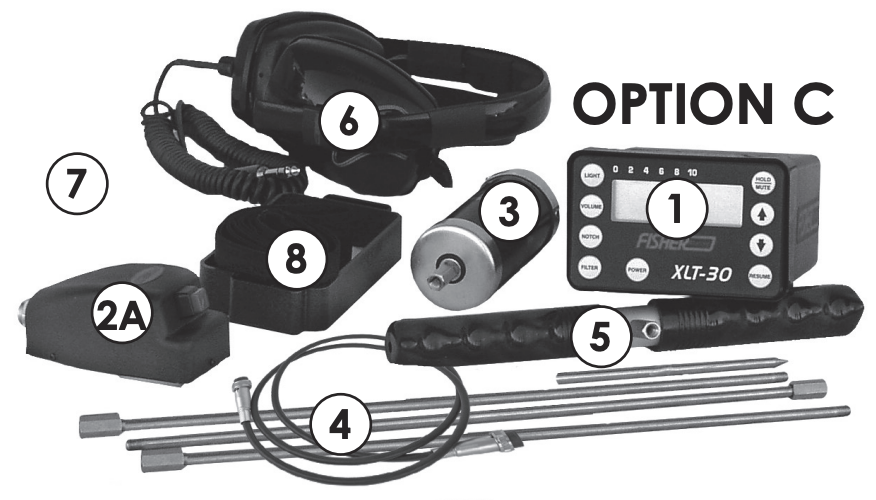
The Fisher XLT-30 is available in three configuration options to match different leak detection needs and working environments. Users can choose between Option A (Big Foot ground microphone), Option B (Multi-Sensor for both hard and soft surfaces), or Option C (Little Foot sensor for compact and indoor applications), allowing professionals to select the most suitable setup for their specific field conditions.
Instrument Set
 .
.  .
. 
Control Panel
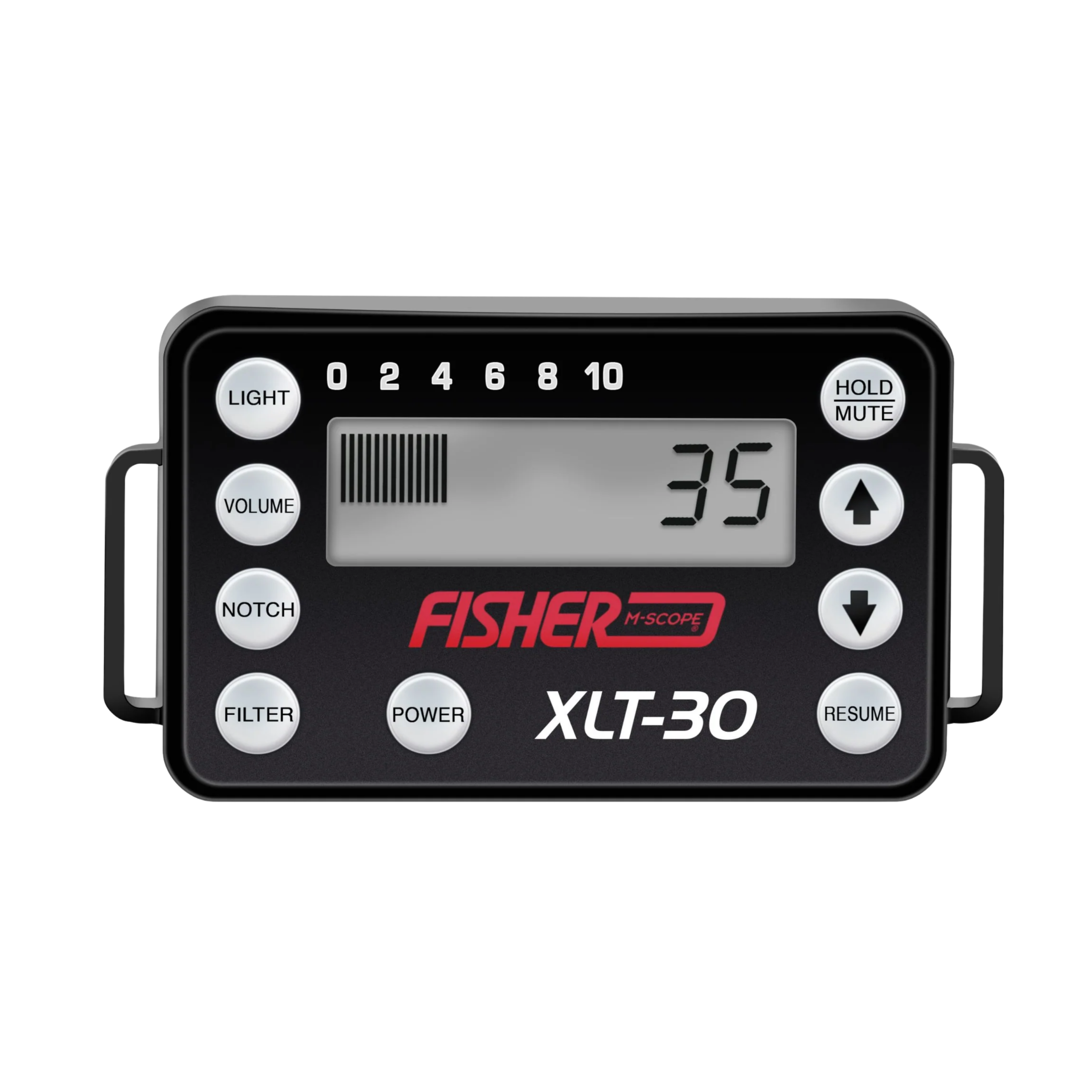
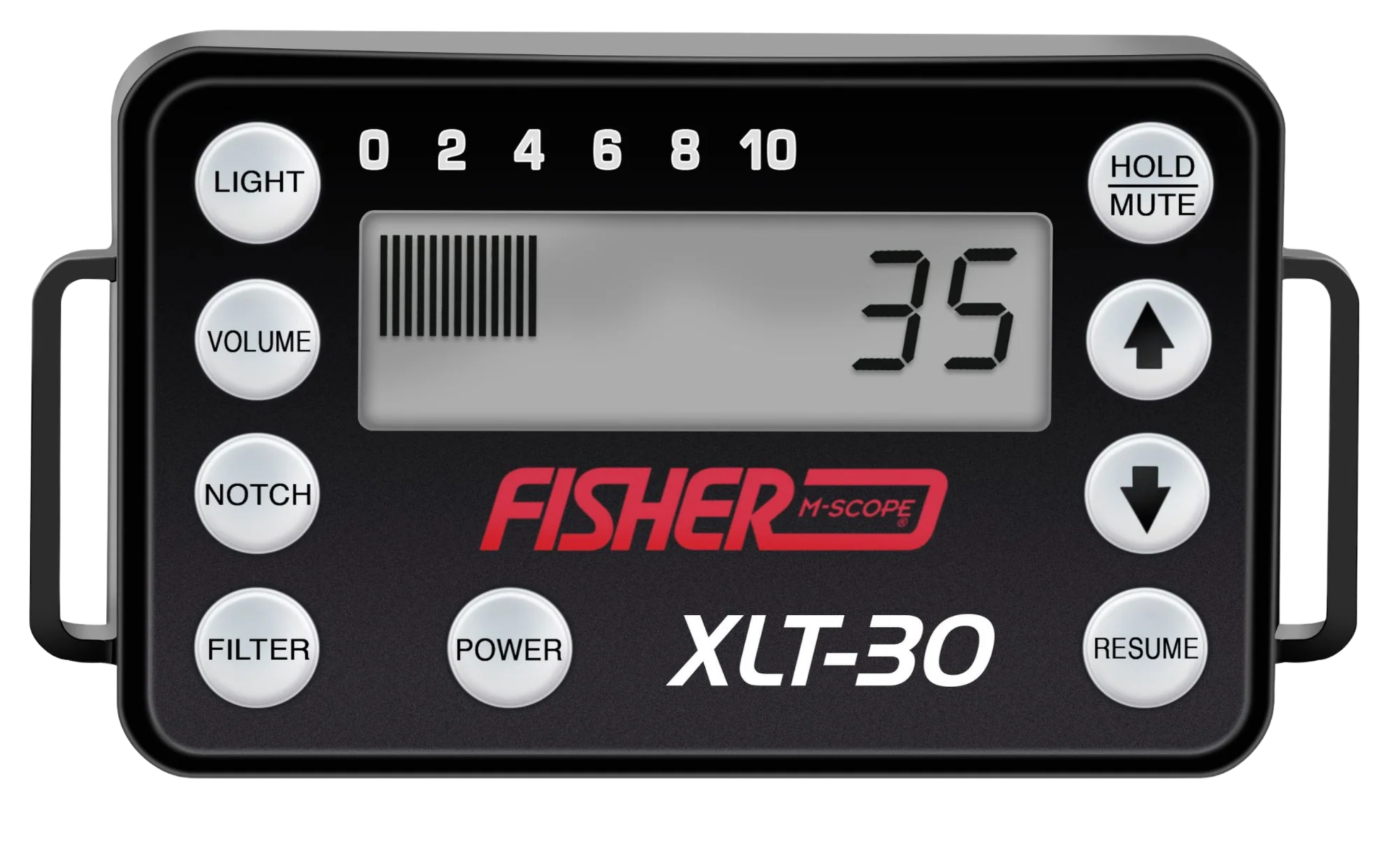
POWER – This button switches the XLT-30 on and off. When powered down, all customized settings automatically return to the factory default configuration.
LIGHT – Activates or deactivates the display backlight. Extended use of the backlight has only a minimal impact on battery performance.
VOLUME – Adjusts the audio level of the XLT-30. Use the up and down arrow keys to increase or decrease headphone volume. The headphone control knob can also be used for additional sound adjustment.
NOTCH – Allows selective rejection of a narrow frequency band to eliminate unwanted background noise such as motors, humming, or fans that may interfere with leak detection. The rejected frequency range can be adjusted using the arrow keys.
FILTER – The XLT-30 features four selectable filtering modes.
AL (All Frequencies) – Operates without signal filtering. In this mode, no frequency adjustments can be made using the arrow keys. The full frequency range spans from 60 Hz to 6 kHz.
HOLD / MUTE – This multi-function button serves as both an audio mute control and a peak hold reset.
-
Mute: Temporarily silences the audio output. Microphones also feature their own mute controls. Using mute while repositioning probes helps protect your ears from sudden loud noise.
-
Hold: Displays the highest sound level detected. Pressing the button again resets the peak reading and clears previous peak values.
Arrow Keys – Used to adjust and fine-tune various XLT-30 settings and features.
RESUME – After making any adjustments to Volume, Notch, or Filter settings, pressing RESUME returns the display to the sound meter (graph) screen.